01 A personal IT project

Built by hand.
Hosted at home.

A custom PC build, an Ubuntu Server, and a website deployed from the Bash terminal—one practical lesson at a time.

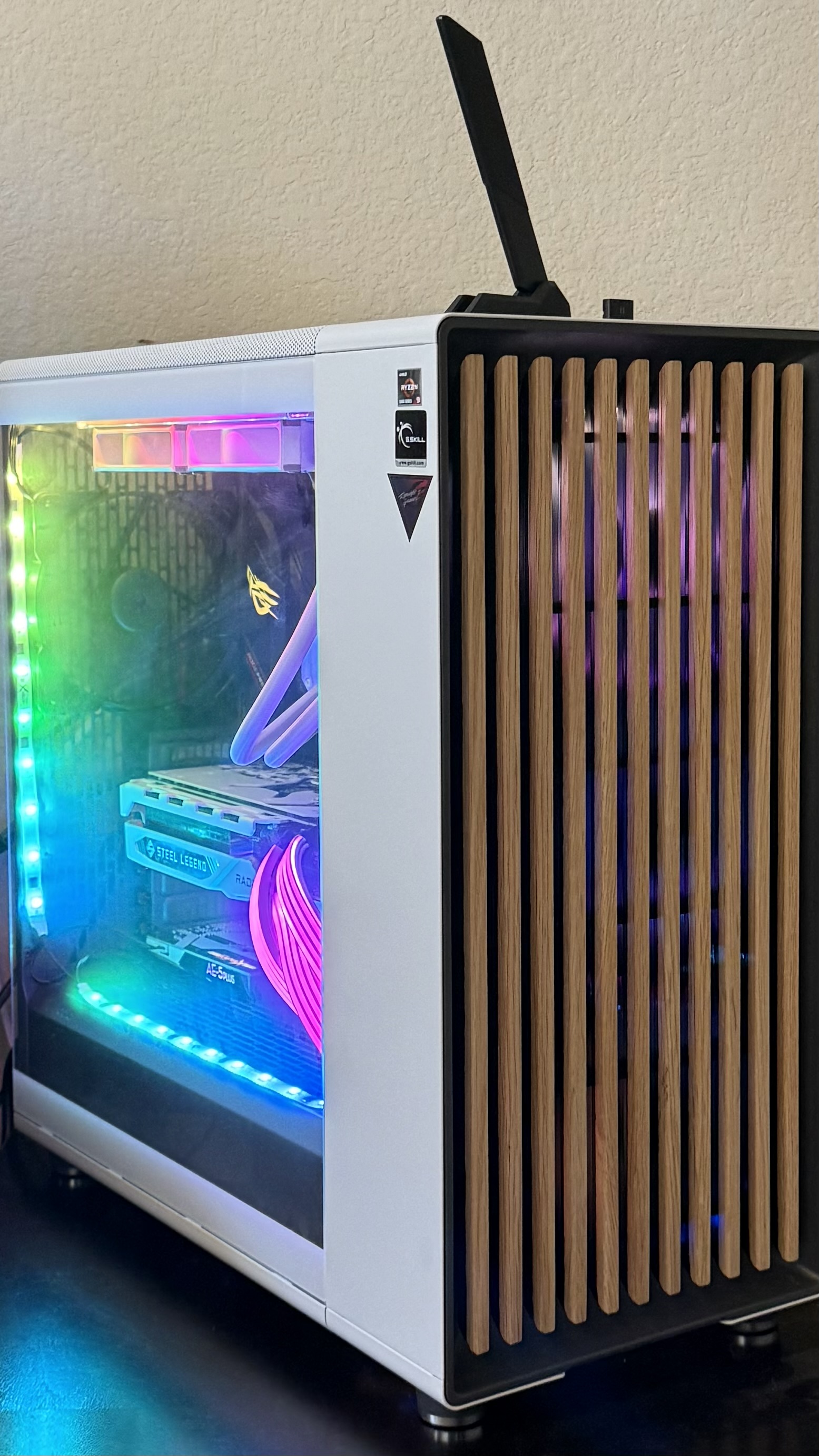
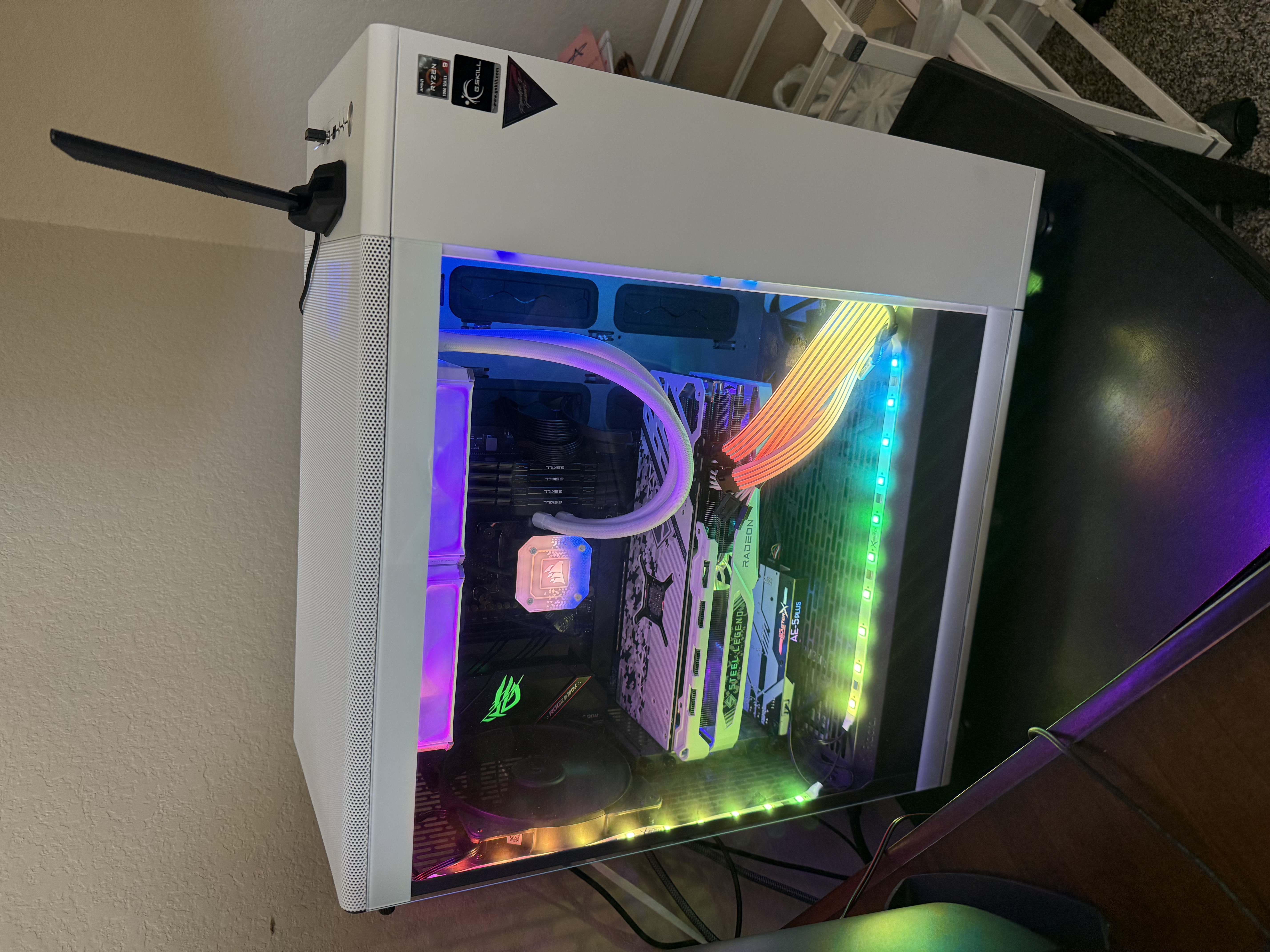
Completed white custom PC with RGB lighting
Build statusComplete
01Custom
workstation

Hello, world.
Welcome to TechTower.

I’m not here to brag about web design. I built this site to put skills from my BSIT program—and certifications including A+, Network+, and Security+—into practice.

The site was designed and hosted on an Ubuntu Server using the Bash terminal. That Linux server was virtualized on the Windows machine documented below.

I had wanted to build something like this for months. Turning the hardware, networking, Linux, and web pieces into one working project made it genuinely fun.
From a table of parts
to a working system.

Every stage taught a different lesson: planning, assembly, troubleshooting, configuration, and finally deployment.

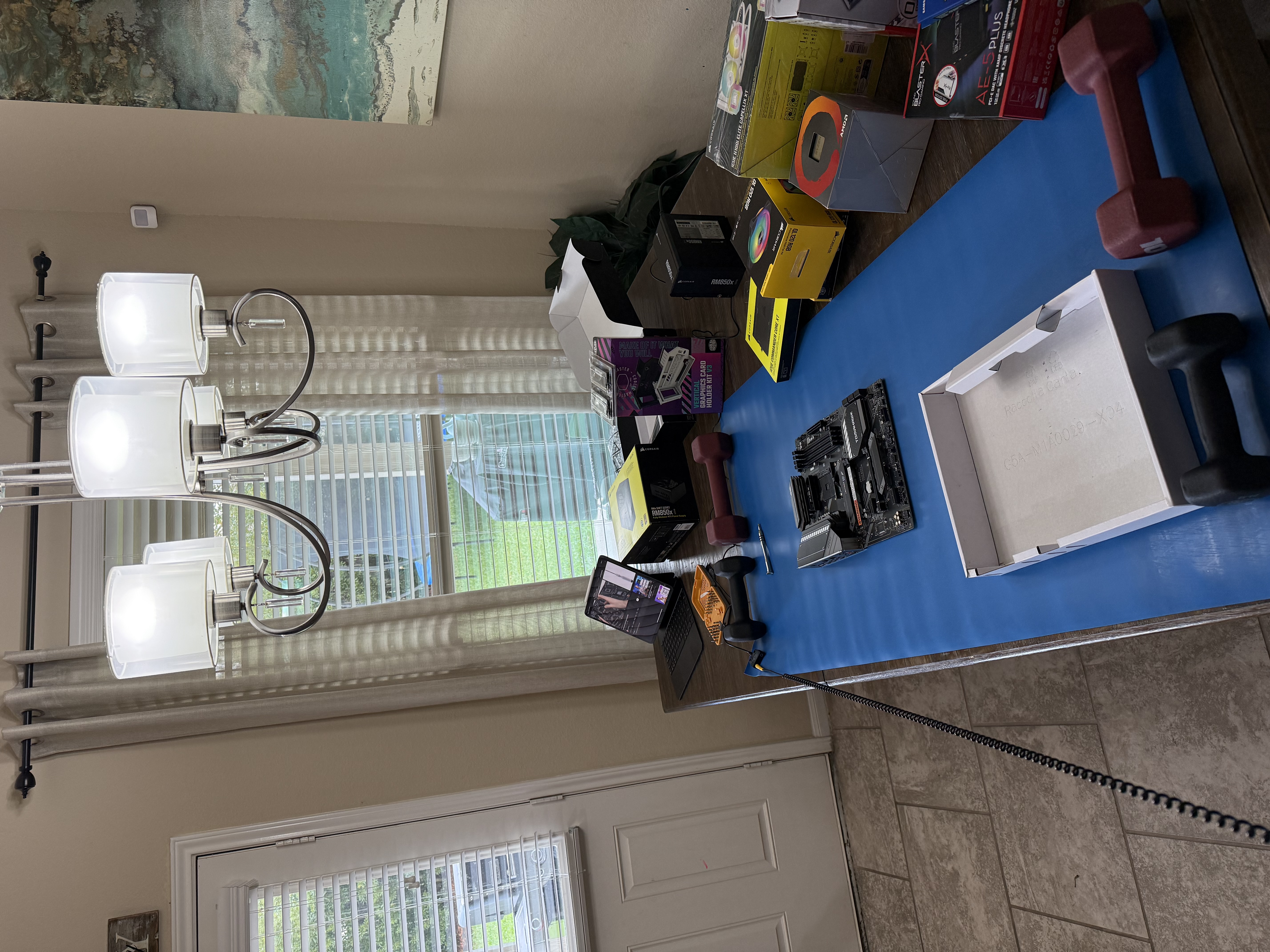
PC components and tools arranged before the build
01 / Prepare

Every part accounted for.

Components, tools, workspace, and a plan before the first screw turns.

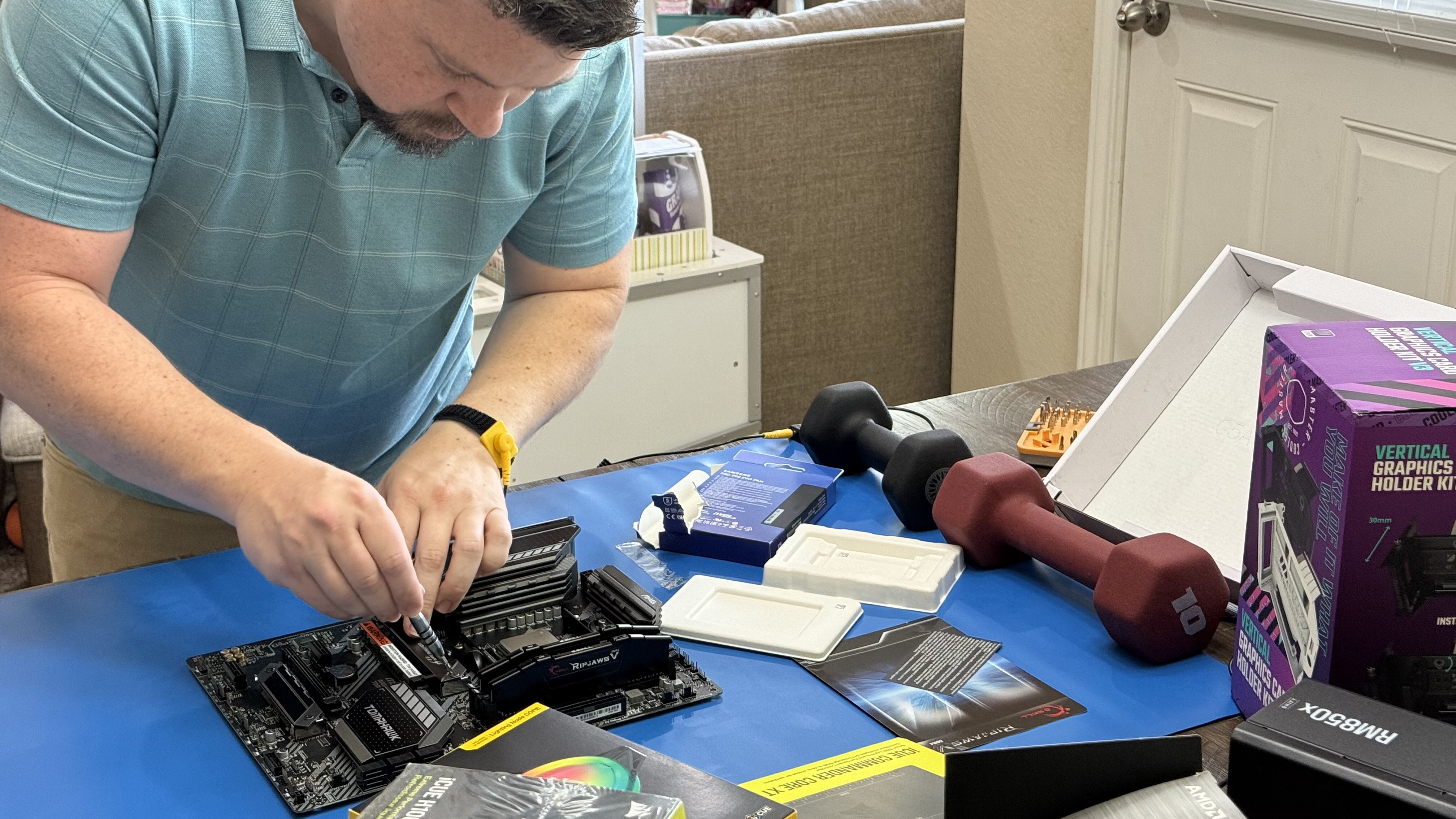
Installing components onto the motherboard
02 / Assemble

Hands on the hardware.

Motherboard, CPU, memory, cooling, and all the tiny connections in between.

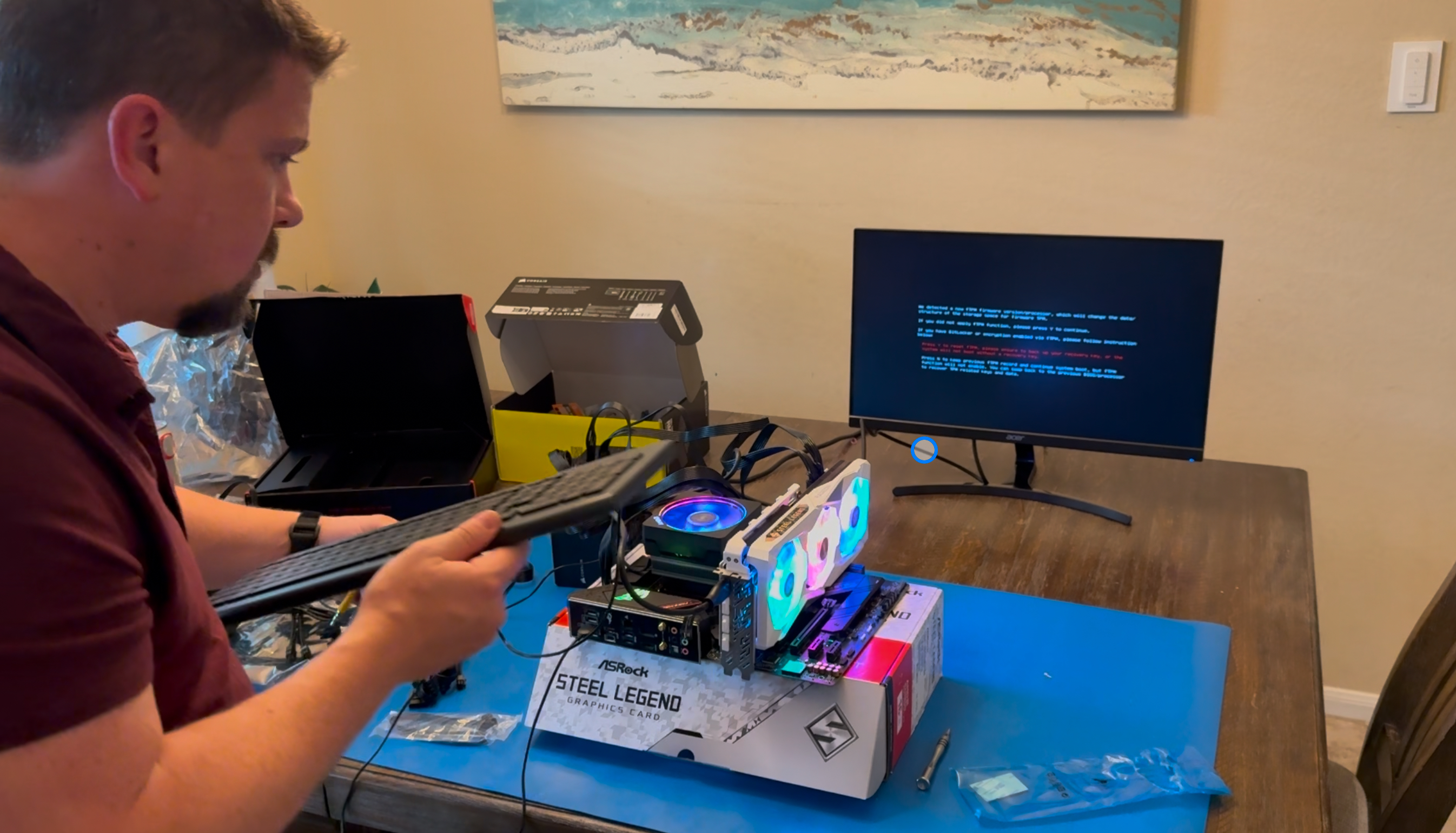
Testing the PC components during first boot
03 / Test

The first POST.

Open-bench testing before everything goes into the case.

Front view of completed RGB PC
04 / Finish

Clean outside.

A white chassis, wood-slat front, and a little RGB glow.

Interior view of completed custom PC
05 / Power up

Capable inside.

The completed workstation ready to become a lab.

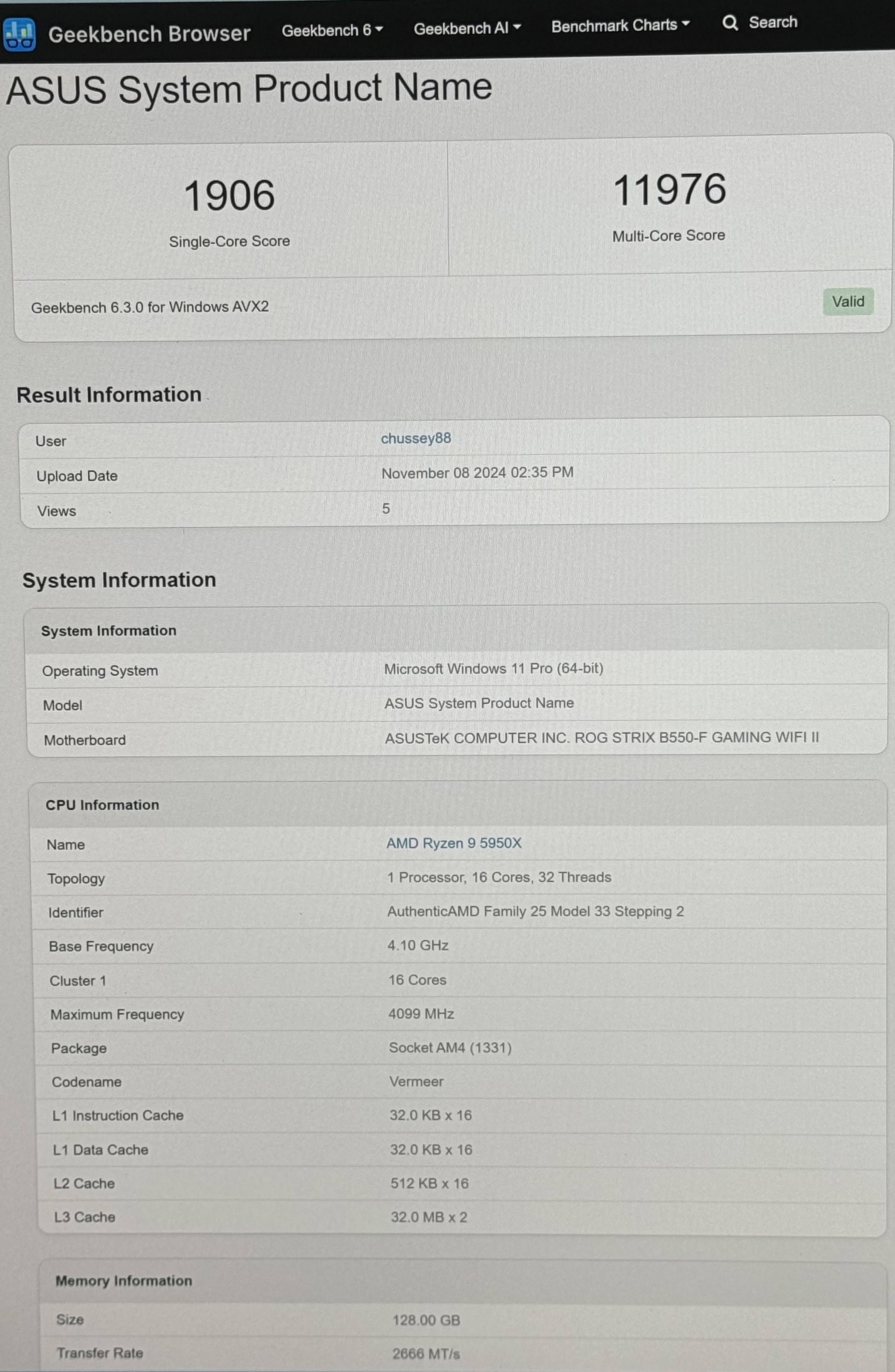
ASUS benchmark results for the completed system
06 / Benchmark

Measure the result.

Verify the system, record its performance, and establish a baseline.

I feel like it’s telling me I won.

The moment the build stops being a collection of parts and becomes your machine.

TechTower / build_01
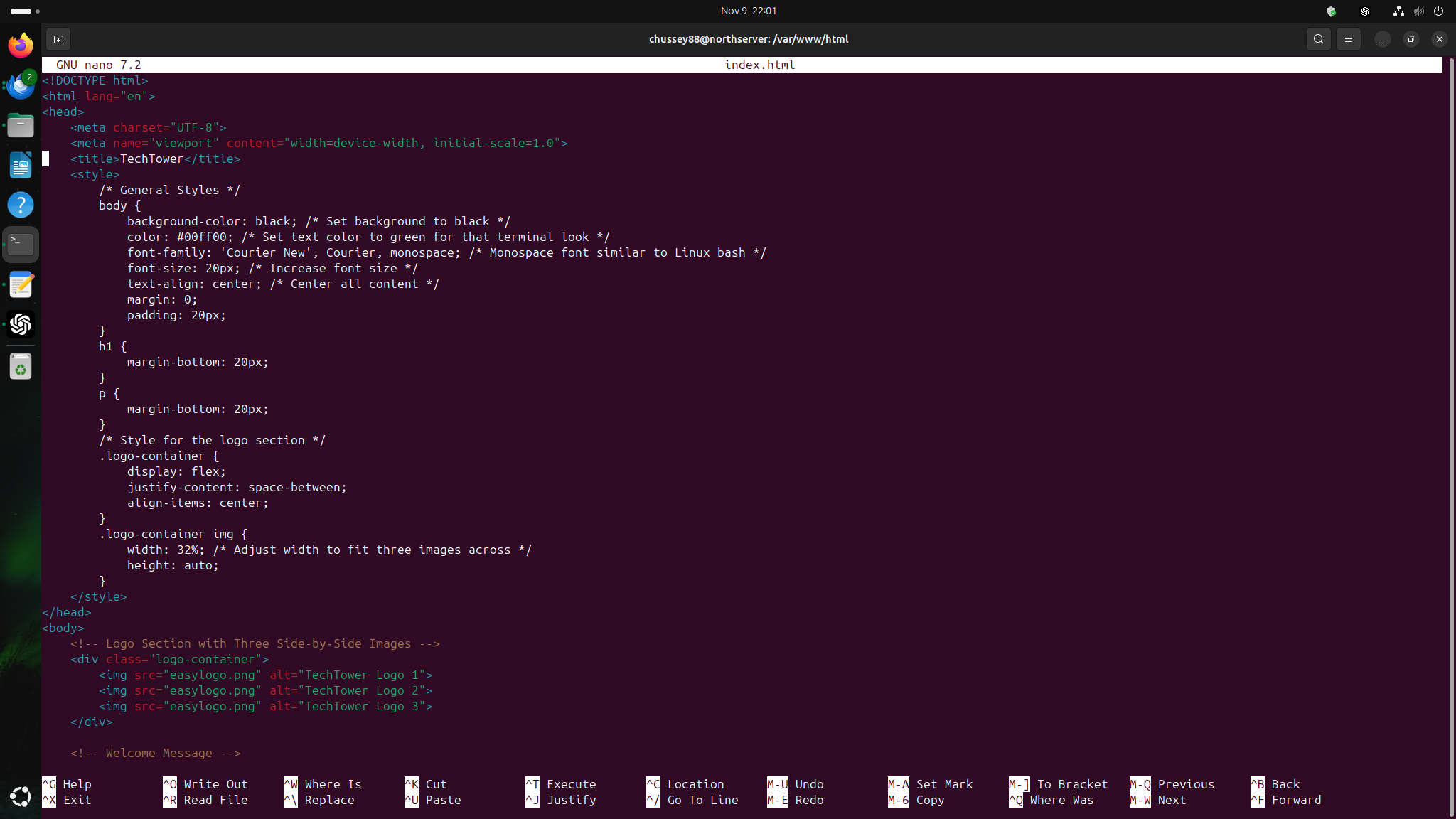
Ubuntu terminal showing Apache web server configuration

miniserver@techtower:~$

The build became the lab.

The Windows workstation hosts a virtualized Ubuntu Server. Apache serves this page from the machine itself, configured from the command line.

Host
Custom Windows workstation
Guest
Ubuntu Server
Web server
Apache
Interface
Bash terminal
TechTower logo

06 Project complete. Learning continues.

Thanks for stopping by.

This site is part portfolio, part lab note, and proof that the best way to learn technology is to build something real.